I was building a RAG system for an educational client and…..their handwritten PDF assignments had students circling diagrams and standard PDF extraction wasn’t cutting it so I turned to Google Gemini’s vision API (so it can analyse entire documents including all the visual stuff, hand written text…you name it!).
Thought I’d share this as I see a few others have had this similar issue.
🚀 Key Steps:
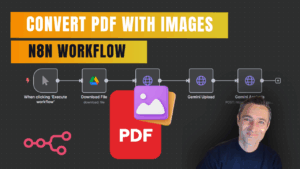
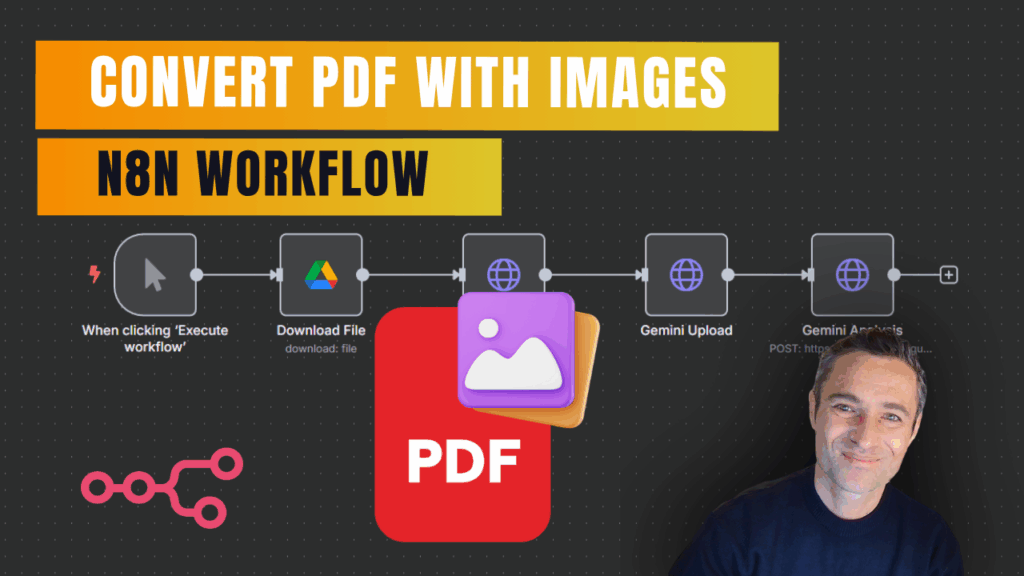
✅Replace PDF Extract with Base64 Conversion – Instead of using standard PDF extraction, convert your PDF to Base64 format using n8n’s conversion nodes
✅Set Up Gemini API Integration – Create an HTTP Request node with POST method pointing to Google’s Gemini API endpoint for document analysis
✅Configure Your Prompt – Use prompts like “Give me the complete text as written, and when you encounter diagrams or images, describe them in detail including any annotations and how they reference the content”
✅ Handle Processing Time – Gemini vision takes significantly longer than text extraction, so plan your workflows accordingly and consider breaking large documents into smaller chunks
✅Choose the Right Use Case – This method is perfect for educational assignments, handwritten documents, or PDFs with important diagrams, but stick to standard PDF extraction for large text-only documents
✅ Expect Detailed Output – Gemini often produces more descriptive text than the original document, providing comprehensive analysis of visual elements and their spatial relationships
⚙️ Setup Instructions:
🔑 Get Your Gemini API Key:
- Go to aistudio.google.com
- Navigate to API keys section
- Create and copy your API key
🔐 Add Header Authentication in n8n:
- Create new credential type: “HTTP Header Auth”
- Header name: x-goog-api-key
- Header value: <Your copied API key
- Apply this credential to your HTTP Request node